Best Alight Motion Templates Downloads – Free XML (2026)
Editing videos today is not as easy as it looks. We face problems when we try to create smooth transitions, beat sync edits, or cinematic effects from scratch. You open an editing app, start working, and quickly feel stuck. It takes time, skill, and patience. Most beginners give up because the process feels complex. On top of that, finding the right effects, matching music, and adjusting timing can be stressful. So people look for a faster solution that still gives professional results. That is exactly the point where Alight Motion templates become useful.
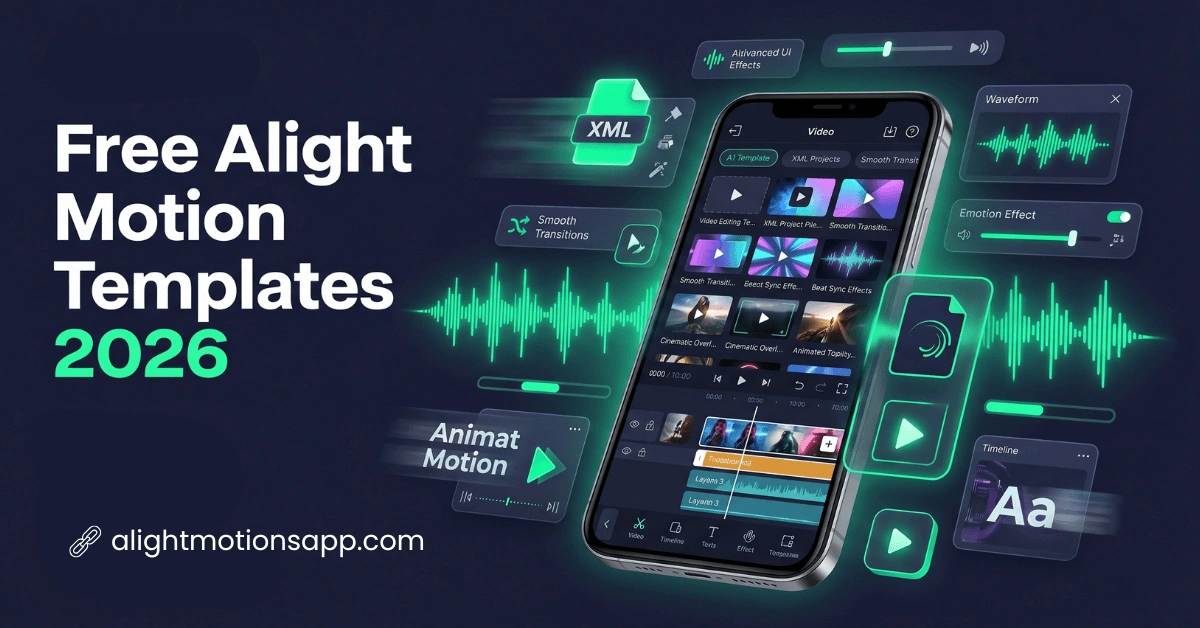
When you use these templates in Alight Motion, you can edit faster, keep your videos consistent, and still customize everything to match your style. These templates already include animations, transitions, text styles, and effects. We can say it saves both time and effort while still giving high-quality output. Many templates are free, and some come in XML format for easy import. We have created a detailed guide on
new Alight Motion templates that explains everything step by step, so you can follow along without confusion.
What Are Alight Motion Templates?
Alight Motion templates are pre-made editing projects designed for quick video creation. You get built-in effects, transitions, and animations, so you only need to replace the sample content with your own clips or images. You just adjust small things instead of building everything manually. It makes editing faster and easier for everyone.
Trending Alight Motion Templates (2026 Ideas List)
So, the Alight Motion preset templates are popular in 2026 for reels, shorts, and status videos. You can choose different styles based on your content mood. Each template gives a unique editing look, so you don’t need to start from scratch every time.
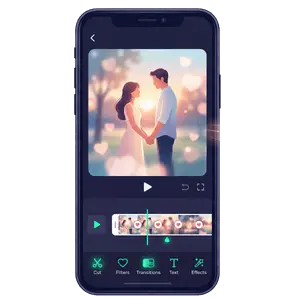
1. Romantic Soft Edit Template
You can use this when you are making love or emotional videos. It comes with slow motion, blur effects, and soft color tones. It creates a smooth and emotional vibe in your edit.
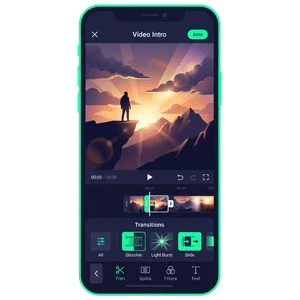
2. Cinematic Intro Template
This style creates a movie-like intro effect that feels smooth and dramatic. It is often used when you want your YouTube videos or reels to start with a strong visual impact.
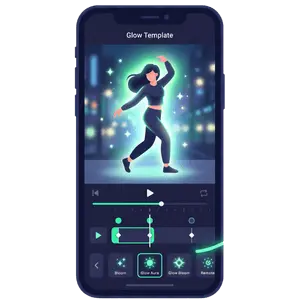
3. Glow Effect Template
This template adds the soft glowing animations to clips, making the visuals more eye-catching. It helps when you want your video to look more attractive without heavy editing work.
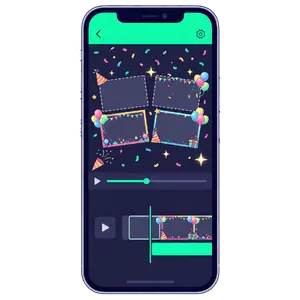
4. Birthday Celebration Template
This template includes confetti animations, colorful text, and photo slots that make celebration videos easier to build. A quick edit becomes possible when photos and names are added into the design.
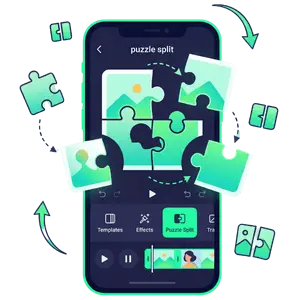
5. Puzzle Split Effect Template
Images break into multiple pieces and then come together again in a smooth animation style. It is often used in creative reels where transitions need a unique visual twist.
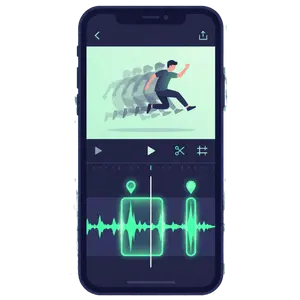
6. Slow Motion Beat Template
Slow motion is combined with music beat drops in this style for emotional impact. It works best when you want your audience to feel the rhythm and mood together.
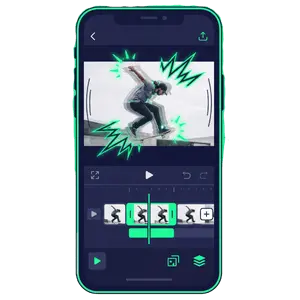
7. Shake Effect Template
Camera shake effects are added to give energy and intensity to clips. It is useful when you want action scenes or highlights to feel more powerful.
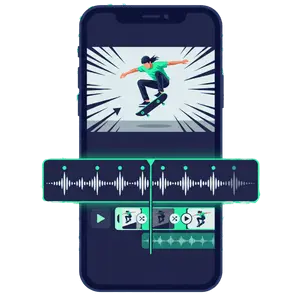
8. Beat Sync Zoom Template
Zoom and motion effects follow music beats closely, making edits feel more rhythmic and engaging. Timing becomes important so visuals match audio drops properly.
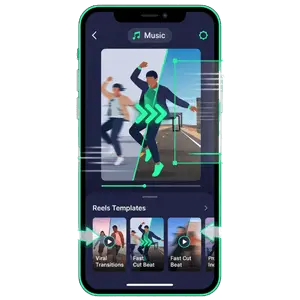
9. Viral Reels Template
This style is designed for Instagram reels where trending formats are already followed. It increases chances of engagement when you use popular editing patterns.
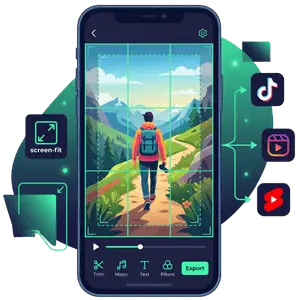
10. Full Screen Vertical Template (9:16)
This format is built for mobile platforms like TikTok, Reels, and Shorts where full-screen display matters. Black borders are removed so content fills the entire screen properly.
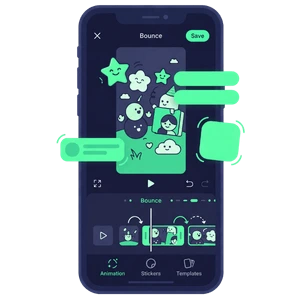
11. Cute Bounce Animation Template
Soft bounce motion and playful transitions are added for a fun editing style. Anime or aesthetic clips often use this to create a light and friendly mood.
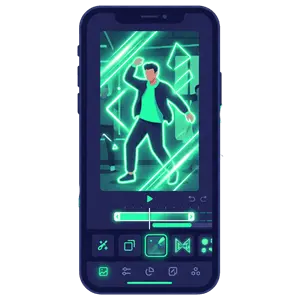
12. Neon Light Template
Bright neon colors and glowing lines are used to create a modern visual style. It helps when you want your content to stand out in social media feeds.
How to Download & Use Alight Motion Templates (Step-by-Step)
Using the new Alight Motion XML templates is very simple when you follow a proper step-by-step flow from start to finish. You can follow the steps below to make the process easier and start editing quickly.
Download the Templates from Our Site
First, open our site and choose the Alight Motion template you want. Click the download button and save the XML file to your device storage.
Open Alight Motion App
Now launch Alight Motion on your phone and go to the project import option. This is where you bring your downloaded template into the app.
Import the Template File
Select the XML file from your storage and import it into the app. Once loaded, the full editing project will appear on your screen.
Replace Media Content
Now you can add your own photos, videos, or text into the template. The structure stays the same, but the content becomes fully personalized.
Preview Your Video
Play the full project to check timing, effects, and transitions. If something feels off, you can adjust it before exporting.
Export Final Video
Finally, export your video in high quality and save it to your device. After that, you can share it directly on social media platforms.
Benefits of Using Alight Motion Templates
As we all know, these templates for Alight Motion make video editing faster and easier because most of the work is already done for you. Let’s take a look at the benefits below to understand how they improve your editing process and help you to save time.
Saves Time in Editing
Templates reduce the need for manual effect creation. You can finish videos in a few minutes instead of spending hours. This is useful when you need quick social media content. It also improves your daily productivity.
Easy for Beginners
Even new users can understand templates quickly. There is no need for advanced editing knowledge. You simply replace media and export. This makes the learning process much easier.
Better Social Media Content
These free Alight Motion templates are built for reels, shorts, and TikTok formats. You can directly upload your final video without extra adjustments. It matches current trending styles. This improves engagement.
Improves Creativity
You can explore different styles and effects easily. It gives new ideas for editing projects. You are not limited to one design. Creativity grows naturally over time.
Reduces Editing Stress
Manual editing can feel complicated and time-consuming. Templates remove most of that pressure. You focus more on content instead of technical work. This makes editing more enjoyable.
Common Issues and How to Fix Them
Sometimes users face problems while using the video editing templates for Alight Motion. These issues are easy to fix if you follow the right steps.
Frequently Asked Questions
Final Words
To sum up, we can say that Alight Motion templates make our editing work much easier and faster. When you use the right templates and follow a simple process, you can create clean and professional videos without putting in too much effort. At the same time, we understand that editing can feel confusing at the beginning, but with regular use, the process becomes simple and smooth. You can rely on these templates to save time, improve creativity, and keep your content consistent over time.