Alight Motion XML Presets Download 2026 + Free SRT to XML Converter Tool
Download verified Shake, HDR 4K CC, and Beat-Sync XML bundles — plus convert any .SRT lyrics file straight into Alight Motion XML layers.
- Use our built-in Free SRT to Alight Motion XML Converter to turn song lyrics into 60FPS timed text layers locally.
- Download the verified 2026 Master XML Presets Pack ZIP containing Shake, HDR CC, and 3D Zoom templates.
- Share downloaded `.xml` files directly from ZArchiver/Files into Alight Motion instead of opening Google Drive preview.
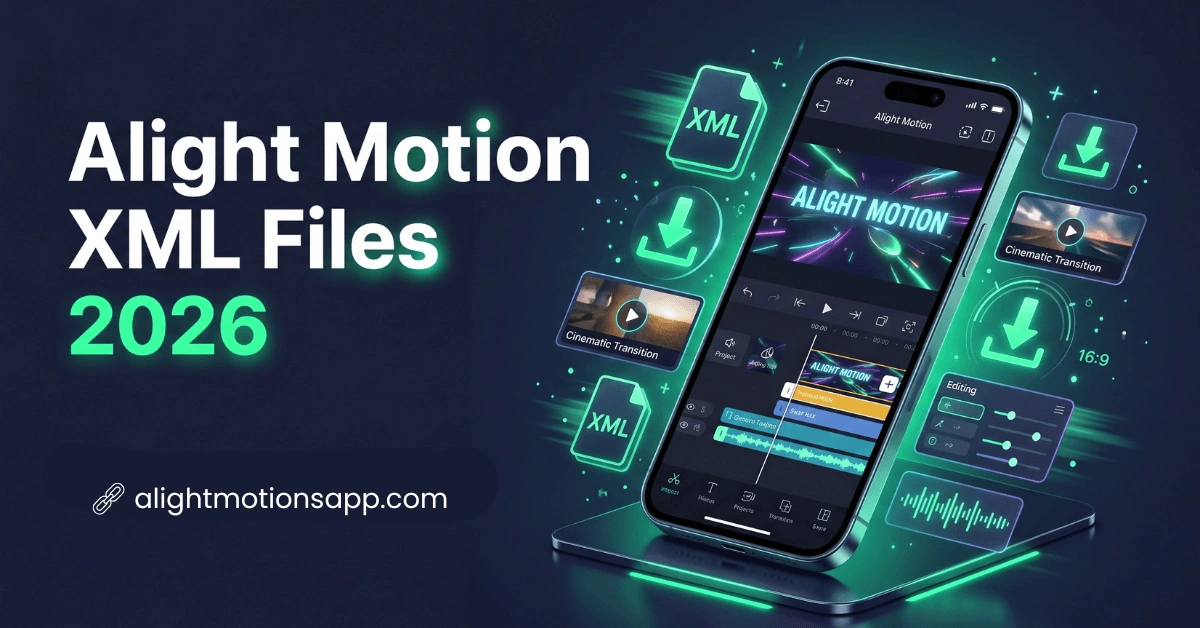
What is an Alight Motion XML File & Free Master Pack?
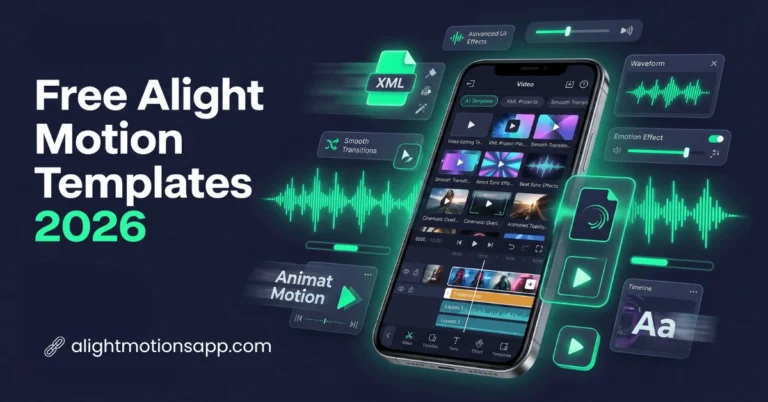
.xml) is an open plaintext blueprint storing every layer coordinate, Bezier easing curve, color adjustment parameter, and effect block in a project—weighing under 100 KB so editors can swap templates in seconds without 1GB project downloads.Includes Velocity Shake XML, HDR 4K CC XML, 3D Cube Transition & Beat-Sync XML • Direct Download
Free SRT Lyrics to Alight Motion XML Converter
Convert any .SRT song lyric or caption subtitle file directly into an importable Alight Motion XML project with synced text layers — runs 100% locally in your browser.
How to Import XML Files into Alight Motion (Android & iOS)
- Download our Master `.ZIP` above (or generate a lyrics `.xml` using the free SRT converter right on this page) and extract it in your File Manager (ZArchiver or Google Files on Android; Apple Files on iPhone).
- Long-press the extracted
.xmlfile, tap Share, and pick Alight Motion from the Share Sheet. - A notification banner confirms “Imported Project”. Open Alight Motion > Projects Tab to edit your imported timeline!
- Note: If Alight Motion blocks XML importing on an unpatched Play Store install, install our unlocked v5.0.281 Pro APK where XML sharing works natively offline.
Troubleshooting: Why Your XML Preset Shows Blank Clips or Fails Under 5MB
Issue 1 — “Missing Media / Gray Placeholder Boxes”: Because lightweight XML files never embed copyrighted videos or personal photos, you must manually replace placeholders! Select a gray rectangle layer inside the timeline, tap Color & Fill > Image Icon, and select your own video or portrait photo. See our Replace Elements & Media Tutorial for a full walkthrough.
Issue 2 — “Cannot Import via Google Drive Preview”: Never tap an `.xml` file inside Google Drive preview (Drive opens it as plain text code). Instead, tap the 3 dots beside the XML file in Google Drive > Send a copy / Share > Alight Motion.
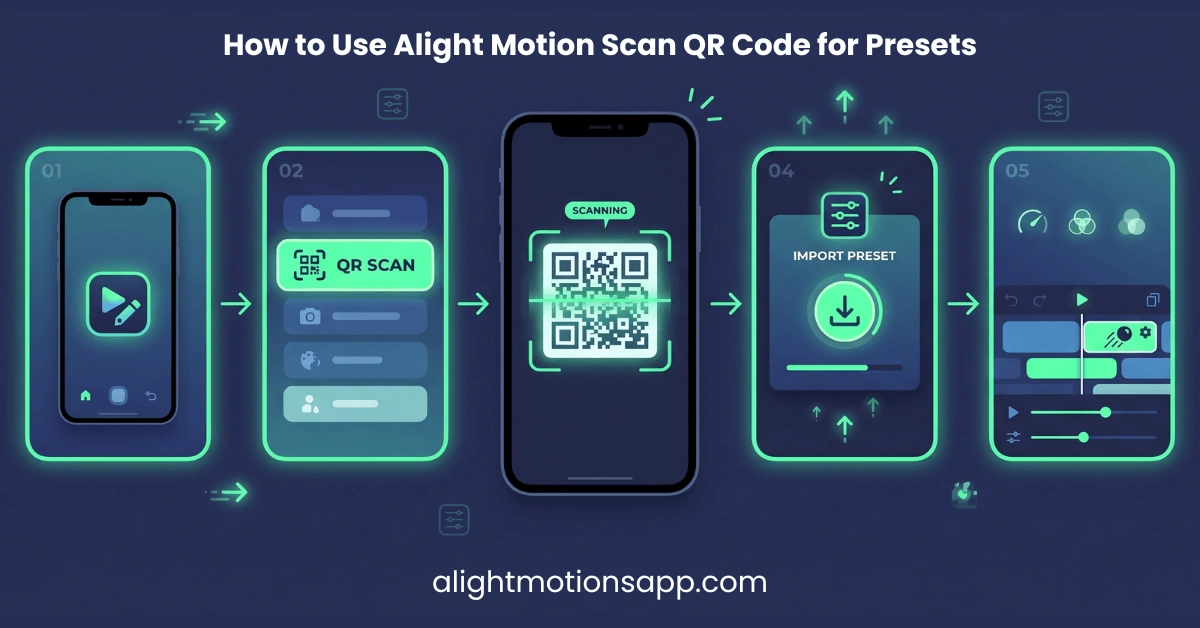
Issue 3 — “Project Exceeds 5MB QR Limit”: While QR links cap at 5MB, raw .xml files have no 5MB export lock when unchecking embedded media assets on export.
100% VirusTotal Verified • XML Unlocked • Fast Google Drive CDN (Opens New Tab)
Frequently Asked Questions
How do I convert SRT lyrics files into Alight Motion XML?
Use our free SRT-to-XML Converter tool right above on this page: paste your .srt subtitle text, choose 9:16 or 16:9 ratio, and click ‘Download .XML File’ to import synced lyric layers instantly.
Why does Google Drive show text code instead of importing my XML preset?
Android treats .xml as a web document if opened inside Drive preview. Tap the 3-dot menu next to the file and choose ‘Send a copy’ or download it locally first and Share from ZArchiver into Alight Motion.
Can I export XML files from Alight Motion without paying?
Yes, our verified Pro APK v5.0.281 unlocks unlimited XML Project Package exports and imports with zero watermarks.