How to Make Viral Velocity Shake Edits in Alight Motion (Exact Values + Free XML)
Dial in crisp phonk shakes, smooth AMV bounce curves, optical motion blur, and clean exposure flashes without black edge glitches.
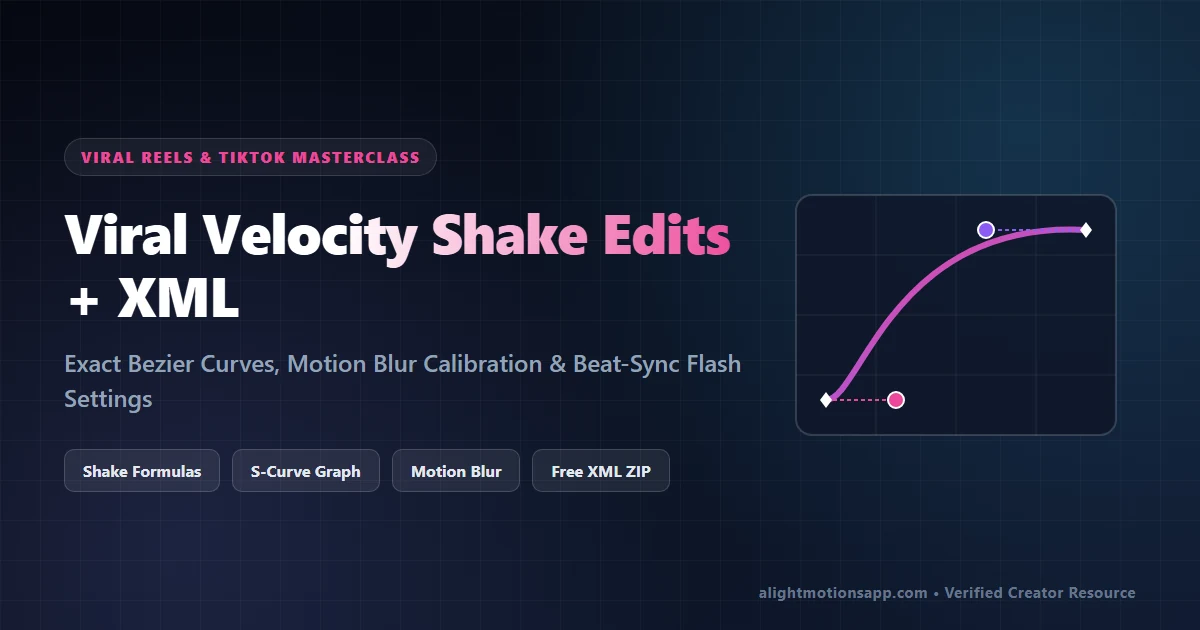
- Always place Tiles (Mirror: ON) at the top of the Effects stack to prevent black edges during shakes.
- Keyframe Oscillate Magnitude from
140down to0with an Ease-Out curve for smooth impact decay. - Download the free XML Presets Pack above to copy pre-built shake recipes onto any video in 2 taps.
What Makes a Viral Velocity Shake Edit Work?
Relying on generic random shake filters looks jittery and amateur. By pairing exact frequency decay inside Alight Motion’s Move & Transform panel with custom Bezier curves, your video clips snap rapidly onto the bass drop and decelerate seamlessly right before the next transition.
Step-by-Step Velocity Shake Formula (Exact Numbers)
Follow this exact effect stack order (top to bottom order matters—Tiles must sit above any movement effect!):
Step 1: Add Tiles (Prevents Black Borders During Shakes)
- Tap your clip > Effects > Add Effect > Distortion/Warp > Tiles.
- Keep Crop at
1.000and toggle Mirror: ON. Any sideways shake now reflects the video edge seamlessly instead of exposing black gaps.
Step 2: Configure Oscillate Shake (Impact Bounce)
- Add Effect > Move & Transform > Oscillate.
- Set Angle to
45.0°(or90.0°for vertical bounce). - Set Frequency to
3.50 Hz(fast energetic punch; drop to1.80 Hzfor smooth AMV flow). - Magnitude Keyframes: At the beat hit frame (
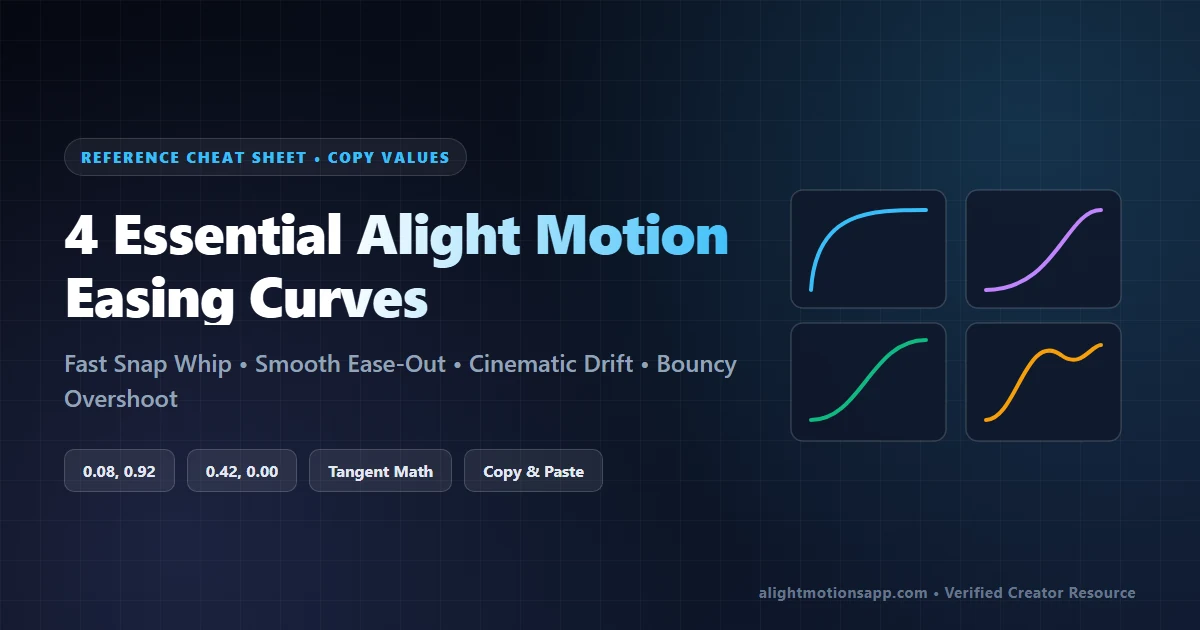
0:00), place a keyframe with Magnitude =140. Move 15 frames forward and place an ending keyframe with Magnitude =0. Apply an Ease-Out Bezier Curve (`0.12, 0.90, 0.30, 1.00`) so the shake starts violent and fades cleanly!
Step 3: Swing (Subtle Rotational Whip)
- Add Effect > Move & Transform > Swing.
- Frequency:
1.60 Hz| Angle 1:-3.5°keyframed down to0.0°| Angle 2:+3.5°keyframed down to0.0°.
Step 4: Motion Blur & Exposure Flash
- Add Effect > Blur > Motion Blur: Set Tune to
1.20(keep visibility OFF during timeline editing if your phone lags, and turn ON right before 60FPS export). - Add Effect > Color & Light > Exposure/Gamma: On the beat frame, keyframe Exposure to
+1.10, move 8 frames forward and drop to0.00for a clean cinematic flash!
| Shake Style | Frequency | Starting Magnitude | Flash Exposure | Best Music BPM |
|---|---|---|---|---|
| Hard Phonk / Drift Shake | 4.20 Hz | 165 px | +1.25 Ev | 135–160 BPM |
| Smooth Sad / Lyric Bounce | 1.40 Hz | 65 px | +0.45 Ev | 75–95 BPM |
| Anime / Gaming Velocity Zoom | 3.00 Hz | 120 px (+ 1.25x Scale) | +0.90 Ev | 110–130 BPM |
Skip manual setup—download our 2026 Velocity Shake & HDR CC XML Bundle (.ZIP) now!
100% VirusTotal Verified • XML Unlocked • Fast Google Drive CDN (Opens New Tab)
Frequently Asked Questions
Why do black bars show on the screen edges when my clip shakes?
You forgot to turn on ‘Mirror’ inside the Tiles effect, OR Tiles was placed below Oscillate/Swing in the effect list. Always drag Tiles to the very top of the effects stack.
How do I copy this Velocity Shake onto 10 clips without redoing keyframes?
Tap the styled clip > Effects > Three Dots (bottom-left) > Copy Effects. Select your next clip > Effects > Three Dots > Paste Effects.
How do I make the clip itself speed-ramp before the shake hits?
Check our Keyframe & Bezier Easing Guide to learn velocity curve remapping and check our Beat Sync Guide to align cuts onto exact audio waveform spikes.